Appearance
Managing IT Documentation
BookStack excels at organizing technical documentation for IT teams. This guide walks through how a typical IT department book is structured and how to maintain server documentation, runbooks, and technical references.
IT Book Structure
An IT department book typically contains chapters organized by topic:
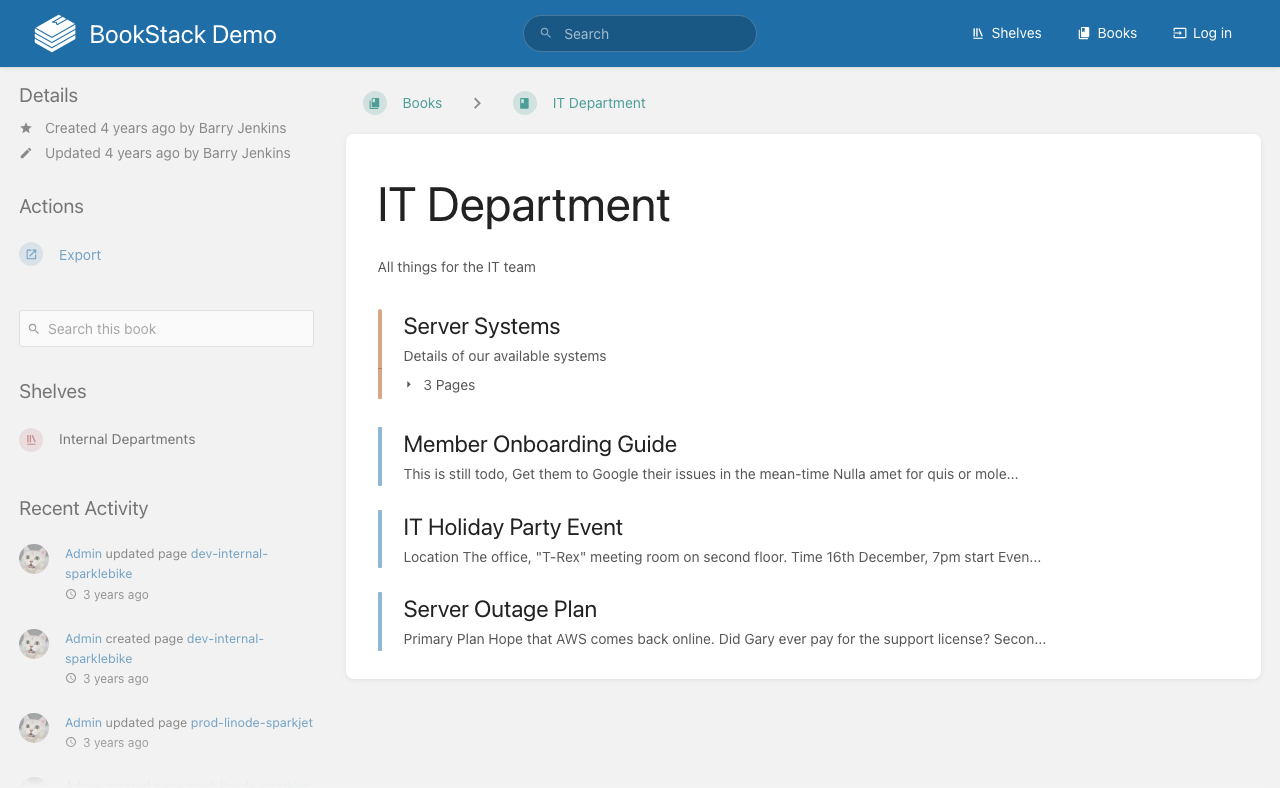
Common chapters include:
- Server Inventory — Pages for each server with specs, IP addresses, and configuration details
- Runbooks — Step-by-step procedures for common operational tasks
- Outage Plans — Documented incident response procedures
- Network Documentation — Network diagrams, VLAN configurations, and firewall rules
The book view provides a Search this book [3] field to find specific servers or procedures within the IT documentation, and the Export [2] button lets you generate offline copies.
Server Documentation Pages
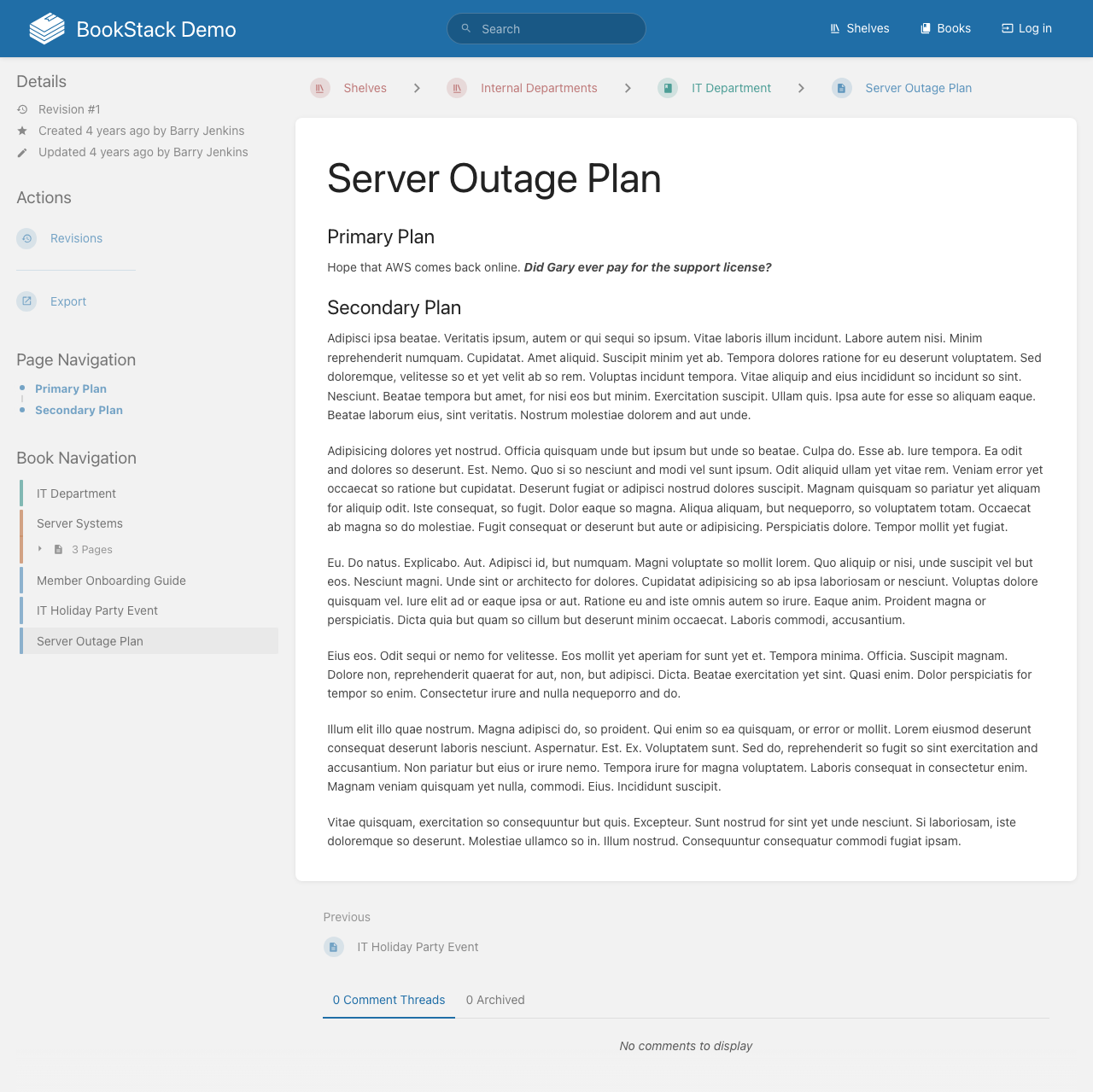
A server documentation page should include:
- System Details — Environment, IP address, instance size, and disk allocation
- Services Running — Applications and services deployed on the server
- Access Information — How to connect and who has access
- Maintenance Notes — Recent changes, patches, and scheduled maintenance
Keeping Documentation Current
IT documentation goes stale quickly. To maintain accuracy:
- Assign page ownership to specific team members responsible for keeping content up to date
- Use BookStack's revision history to track when pages were last reviewed
- Set up watch notifications on key pages to alert the team when changes are made
- Conduct periodic documentation reviews as part of your operational cadence
- Use tags to mark pages that need review or are known to be outdated