Appearance
Organizing Content with Shelves
Shelves provide the highest level of organization in BookStack. They act as collections that group related books together, making it easier to manage large documentation libraries.
Browsing Shelves
Click Shelves [2] in the top navigation to view all available shelves. Each shelf displays the books it contains along with a description of the collection.
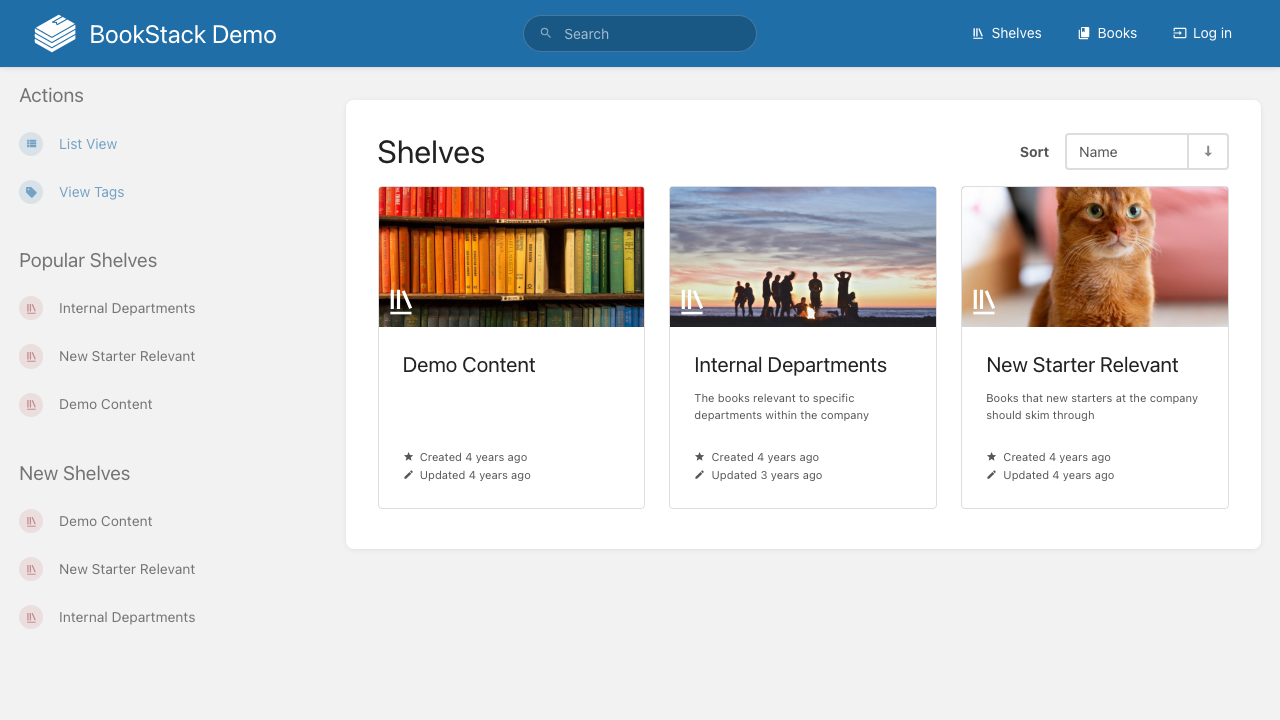
Like books, shelves support List View [1] toggling for different display formats. Each shelf card shows how many books it contains and provides direct access to those books.
Shelf Structure
A shelf can contain any number of books, and a single book can belong to multiple shelves. This flexible relationship means you can organize the same book under different categories without duplicating content.
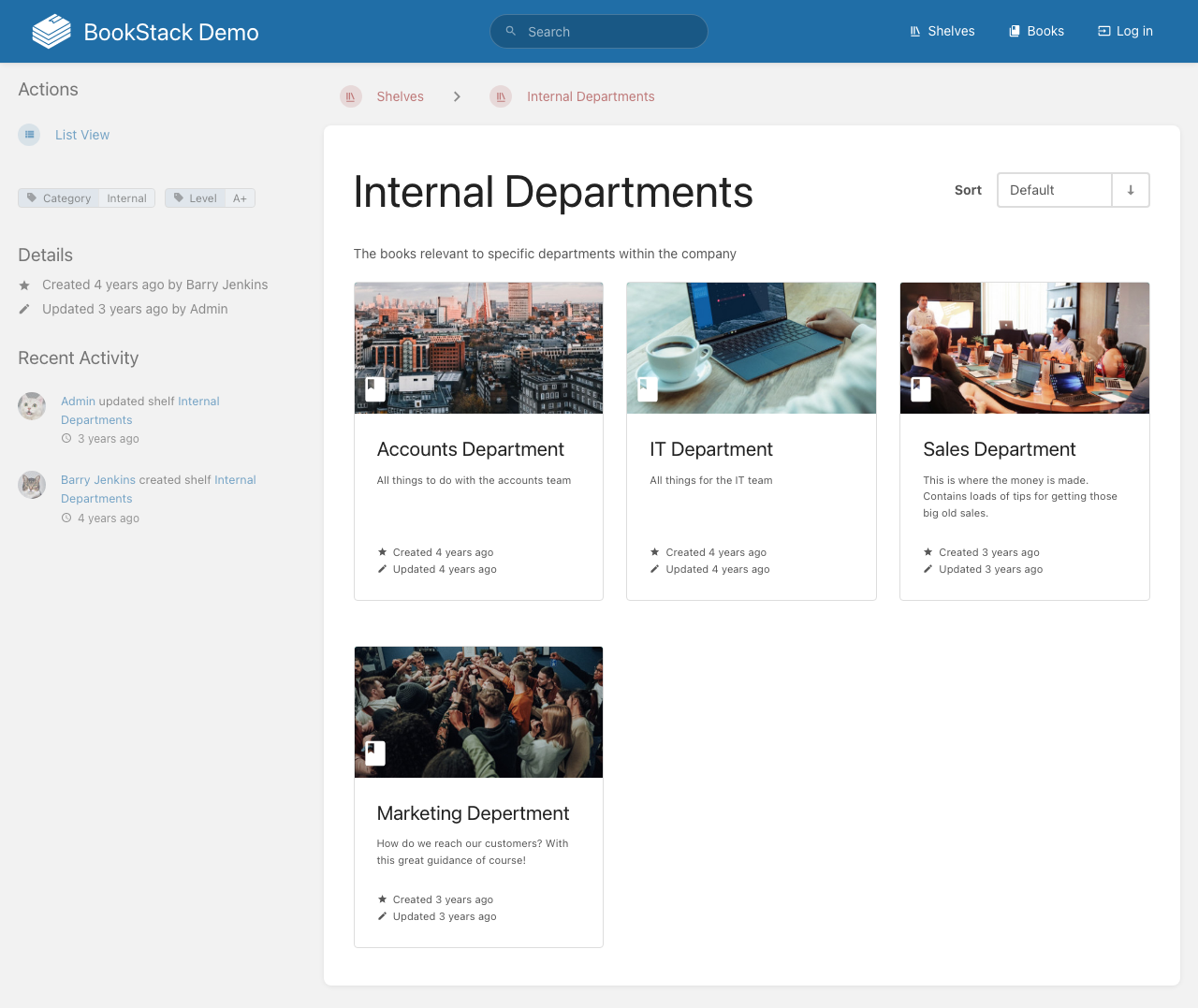
For example, a shelf called Internal Departments [3] might contain books for IT, HR, Sales, and Accounts departments. Meanwhile, a New Starter Relevant [4] shelf could include select books from each department that are relevant to onboarding.
Working with a Shelf
When you open a shelf, you'll see:
- The shelf description explaining its purpose
- A list of all books assigned to the shelf
- Book descriptions and metadata
- Options to add or remove books from the shelf
Creating and Managing Shelves
To create a new shelf:
- Go to the Shelves page
- Click Create New Shelf
- Provide a name and description
- Select which books to include in the shelf
- Arrange the book order by dragging them into position
- Save the shelf
Shelves are particularly useful for organizations with many books that span multiple teams or topics. They provide a way to present curated collections of documentation to specific audiences without restructuring the underlying content.