Appearance
Working with Books
Books are the primary organizational unit in BookStack. Each book contains pages and chapters related to a specific topic, project, or department.
Browsing Books
Access the full list of books by clicking Books [3] in the top navigation bar. The books listing page displays all available books with their titles and descriptions.
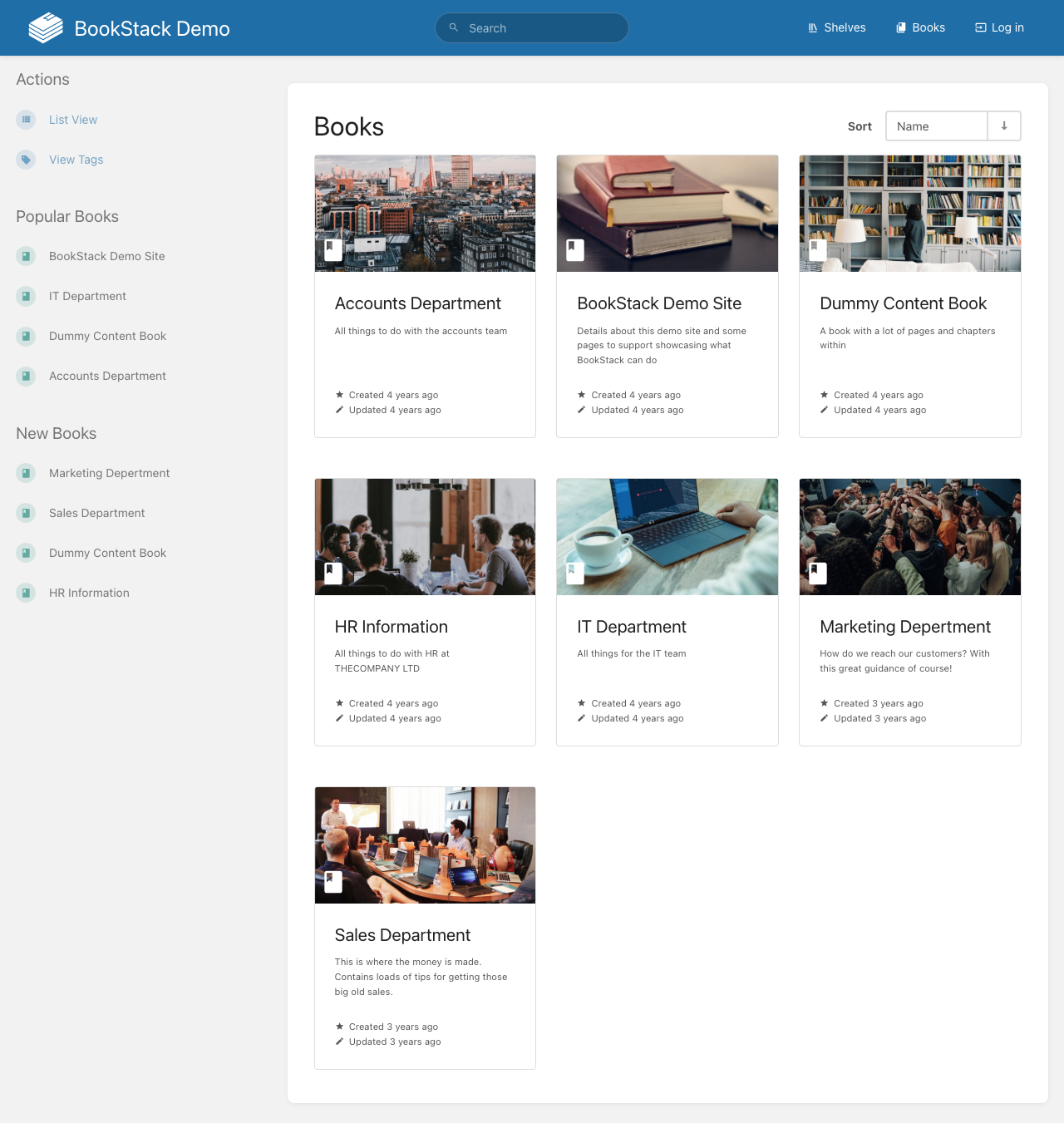
You can switch between Grid View and List View [1] to change how books are displayed. The grid view shows book covers with descriptions, while list view presents a more compact format.
Use View Tags [2] to filter books by their assigned tags. Tags help categorize books across different topics or teams.
Inside a Book
When you open a book, you'll see its contents organized into chapters and pages. The book view includes:
- Book description at the top, providing context about what the book covers
- Chapter listings that group related pages together
- Direct page listings for pages not assigned to a chapter
- Creation and update metadata showing who created and last modified the book
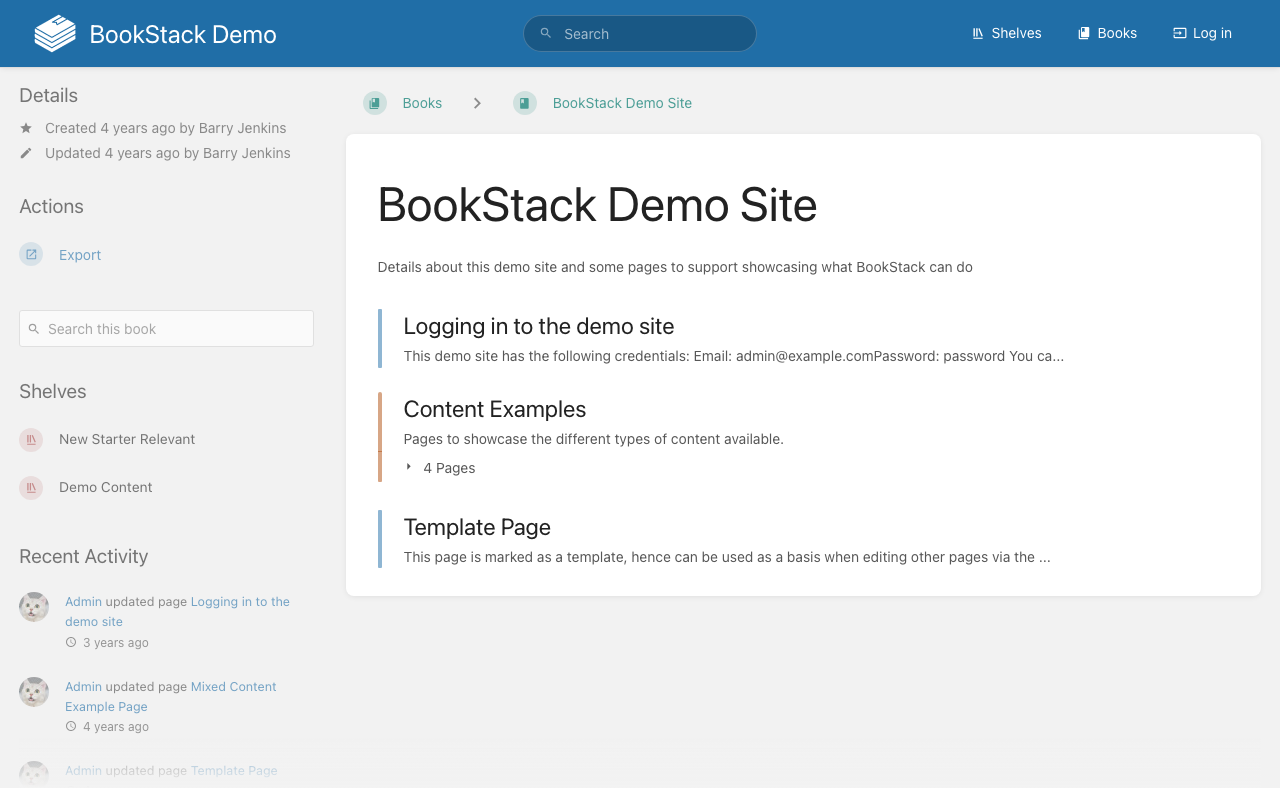
Each book has a Search this book field [3] that lets you search within that specific book's content. The Export button [2] allows you to download the entire book as PDF, HTML, or plain text.
Creating a New Book
To create a book:
- Navigate to the Books listing page
- Click the Create New Book button
- Enter a name, description, and optionally assign tags
- Choose a cover image if desired
- Save the book
Once created, you can start adding chapters and pages to structure your content. Books can be moved to shelves to further organize your documentation library.